 TallyBook Finance Ledger
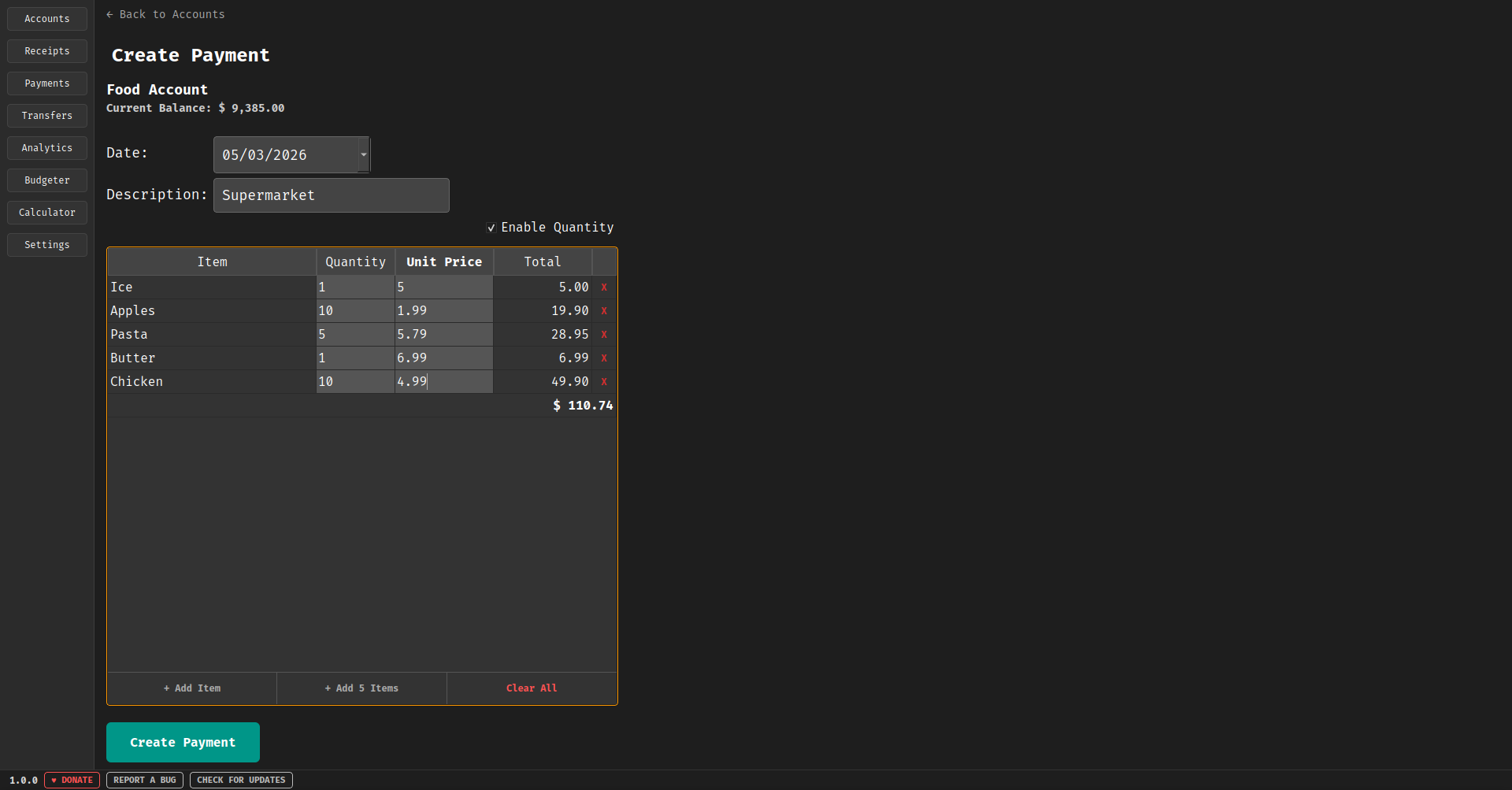
A free, local-first Linux AppImage built for personal finance, bookkeeping, budget tracking, and income management.
 TallyBook-x86_64.AppImage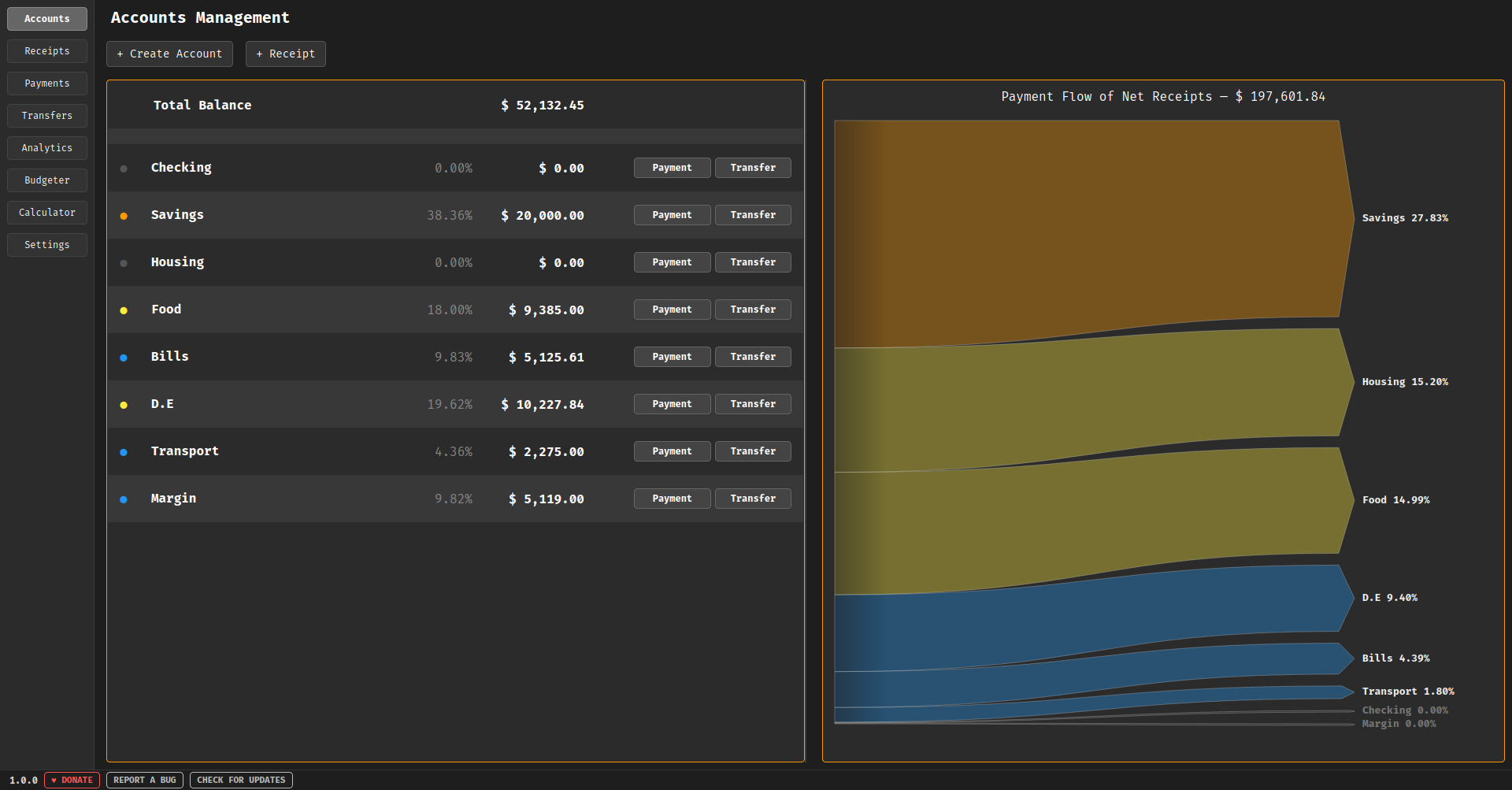
Installation & Updates
How to Install
- Download: Get the latest TallyBook-x86_64.AppImage from the button above. For a clean setup, it's highly recommended to save the AppImage file in a dedicated folder (e.g., an Applications folder in your Home directory).
- Make Executable: Right-click the downloaded file, select Properties, navigate to the Permissions tab, and check "Allow executing file as program".
- Launch: Double-click the file to launch it. On first run, the program automatically creates your finance ledger database. If you want to integrate it, it will also generate a desktop entry so it is fully integrated into your Linux desktop environment.
How to Update
- Download New Version: Download the updated AppImage file from this page.
- Replace: Replace your old AppImage with the new one. Your local ledger data is stored separately in your home directory, the updated version will find it automatically.